
An RFP lands as a bid, not a spreadsheet.
BidScope pulls the scope out of an RFP or plan set the moment it lands. Measure openings off the architect's PDF, bid it, and a won bid converts straight into a job with estimated-vs-actual costing.
A won bid still turns into three spreadsheets.
The scope is pulled out before you've opened the plan set.
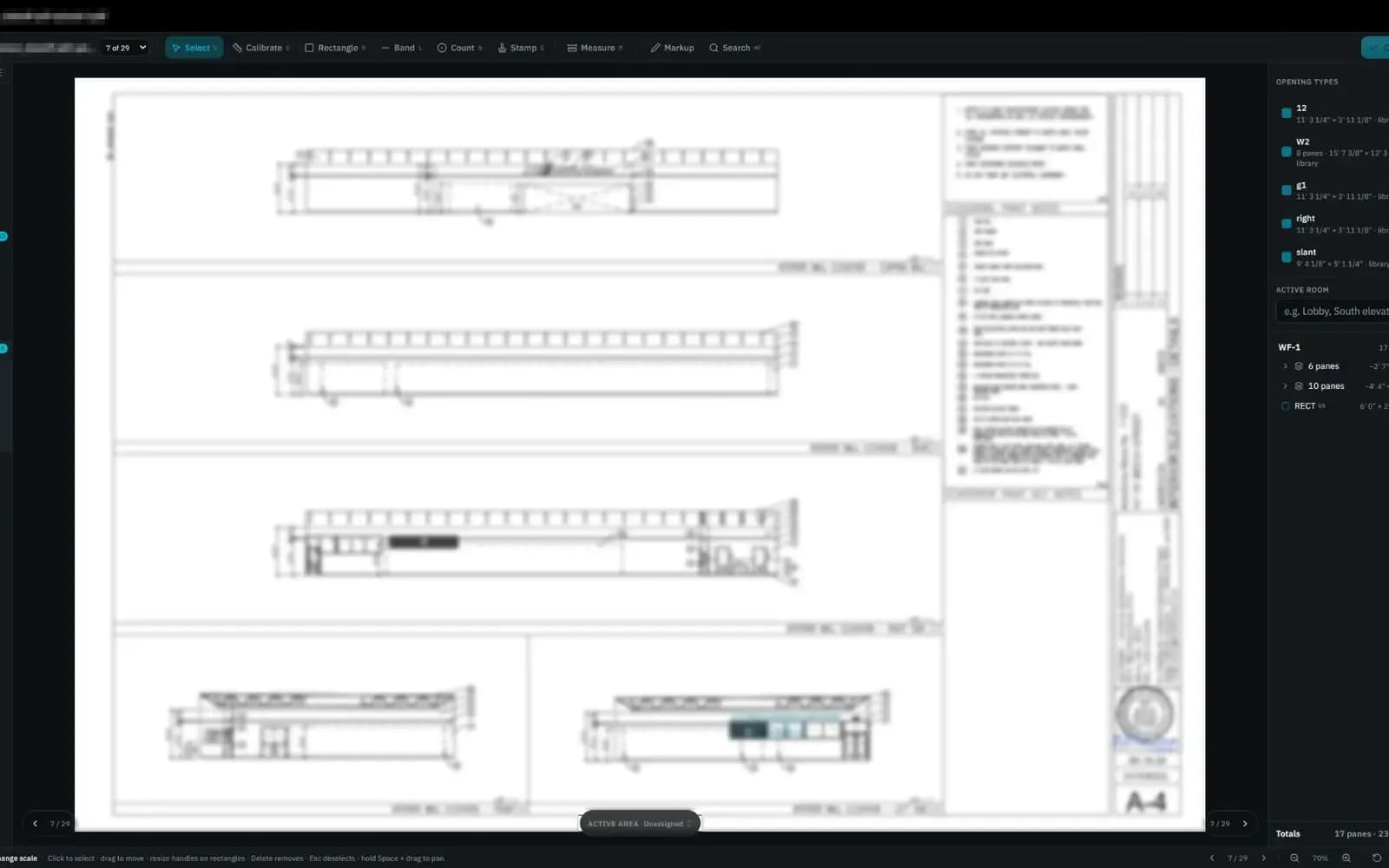
Forward the RFP or the architect's plan set and it lands as a bid, scope already pulled into a structured record. Measure the openings straight off the PDF and the takeoff feeds the same bid — nothing retyped twice.
- RFP or plan set forwarded straight into a bid
- Scope pulled into a structured record, not retyped
- Openings measured straight off the architect's PDF
- Every bid tied to a lead from the first email
A won bid converts. The job costing doesn't reset.
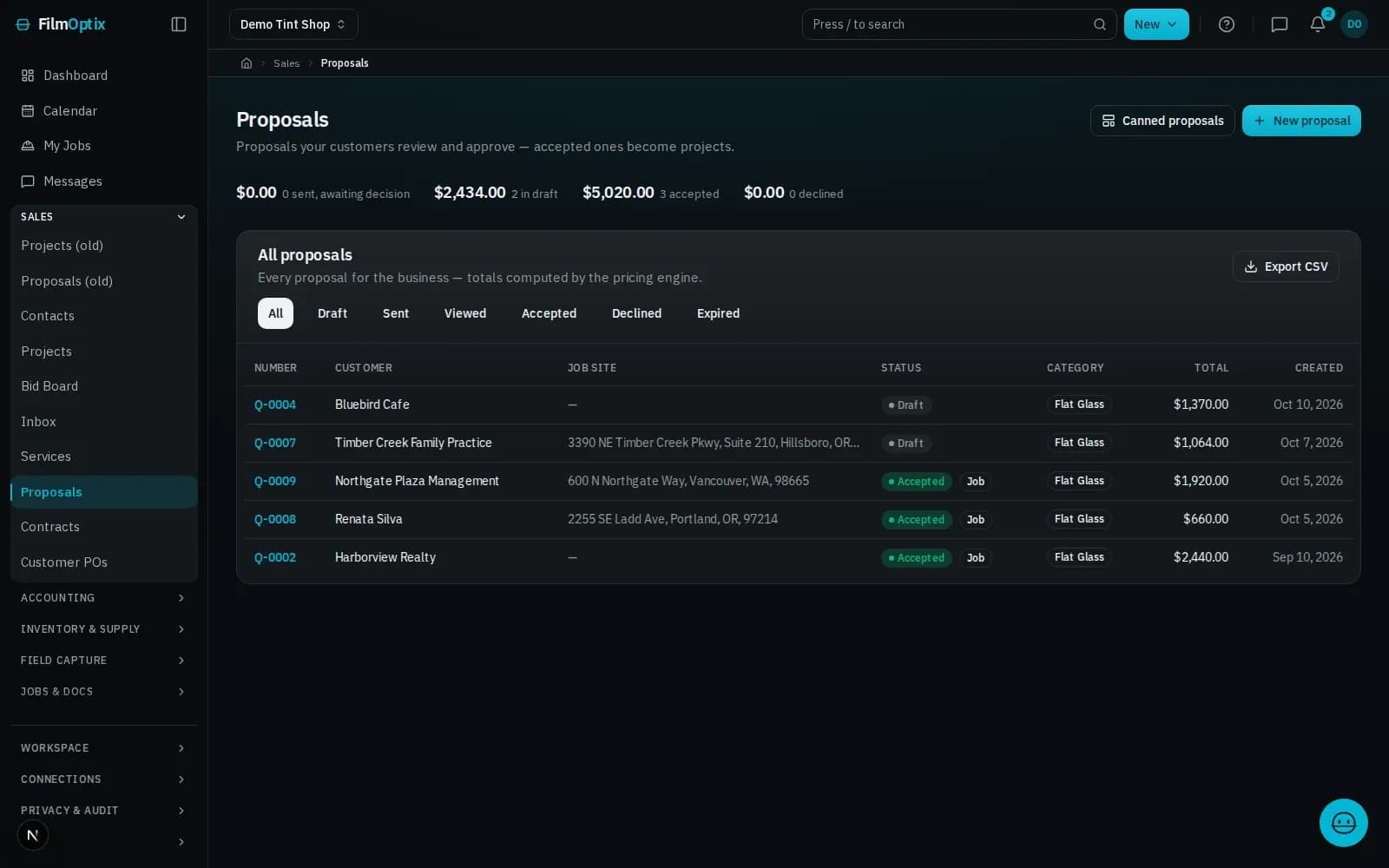
A won bid becomes the job in one step, and the bid amount becomes the costing baseline. Sub POs, customer POs, and multi-crew scheduling all tie back to the same record as the work runs.
- A won bid converts straight into a job No re-entry
- Estimated vs. actual cost tracked live on the record
- Sub and customer POs tied to the same job
- Multi-crew scheduling across every active site
One record, RFP to final invoice.
An RFP becomes a bid.
Plan sets and RFPs land as a bid with the scope pulled out — no line-item list retyped by hand.
Every crew, every site, one calendar.
Assign crews across multi-day installs and multiple sites without double-booking a single day.
Draft to paid, on the record.
A subcontractor purchase order walks draft, issued, signed, submitted, approved, and paid — tied to the job.
COI expiration, tracked.
Certificate-of-insurance expiration is tracked per subcontractor and flagged before it lapses.
Estimated vs. actual, live.
The bid amount becomes the baseline; actual cost tracks against it as the job runs.
Purchase orders, tied to the job.
Customer POs and subcontractor POs attach to the same job record — no separate PO log to reconcile.
See the full platform.
Every module a commercial glazing shop runs on, beyond this page — RFP to final invoice.
Plans and pricing.
Compare tiers and see what ships on every plan, seats included.
A bid is one step. The job record doesn't reset.
- 01Lead
- 02Measure
- 03Quote
- 04Schedule
- 05Install
- 06Invoice
It starts as a lead
A web form or an inbound email lands as a lead and drops into the pipeline automatically.
Measure on the plan
Take off panes and square footage straight from the plan PDF — nothing re-keyed by hand.
Quote in minutes
Per-film Good/Better/Best pricing becomes a tokenized proposal your customer opens with one tap.
Schedule the crew
Book the install, assign the crew, and route the day — every appointment tied to the work order.
Install and verify
The crew works the job; photos, glass readings, and a readiness check attach to the record.
Get paid
Deposit and balance collect against the job, and QuickBooks stays in sync — one record, closed out.
One job, six stages, one record.
It lands in the pipeline, not an inbox.
Lead forms · Mail intakeMeasured from the plans, once.
PDF takeoff · Per-room totalsPriced from the takeoff, opened with one tap.
Proposal · E-sign · DepositNested before a blade moves.
2-D nesting · Waste % · Roll inventoryOne board, crew to route.
Dispatch · Crew routes · Field appPaid against the job, synced to QuickBooks.
Invoicing · Payments · QuickBooksCommercial film, answered.
What is BidScope?
BidScope is FilmOptix's RFP intake: forward a plan set or RFP and it lands as a bid with the scope already pulled out, instead of an attachment someone has to retype.
Can it measure off an architect's PDF?
Yes. Openings are measured straight off the PDF plan set, and the takeoff feeds the same bid record the RFP created.
How are subcontractor purchase orders handled?
A sub PO walks draft, issued, signed, submitted, approved, and paid, tied to the job it belongs to — not a separate spreadsheet.
Does it track certificates of insurance?
Yes. COI expiration is tracked per subcontractor and flagged before it lapses, so a job is never blocked by a missing certificate.
Can multiple crews work different sites at once?
Yes. Multi-crew scheduling assigns crews across multiple active sites on one calendar, so nothing gets double-booked.
Send us a real RFP. Watch it become a bid.
Forward a real plan set or RFP and we'll run BidScope live — scope pulled out, takeoff measured, and the bid it builds — on a single record.
Book a 30-minute demo