The job, captured on site.
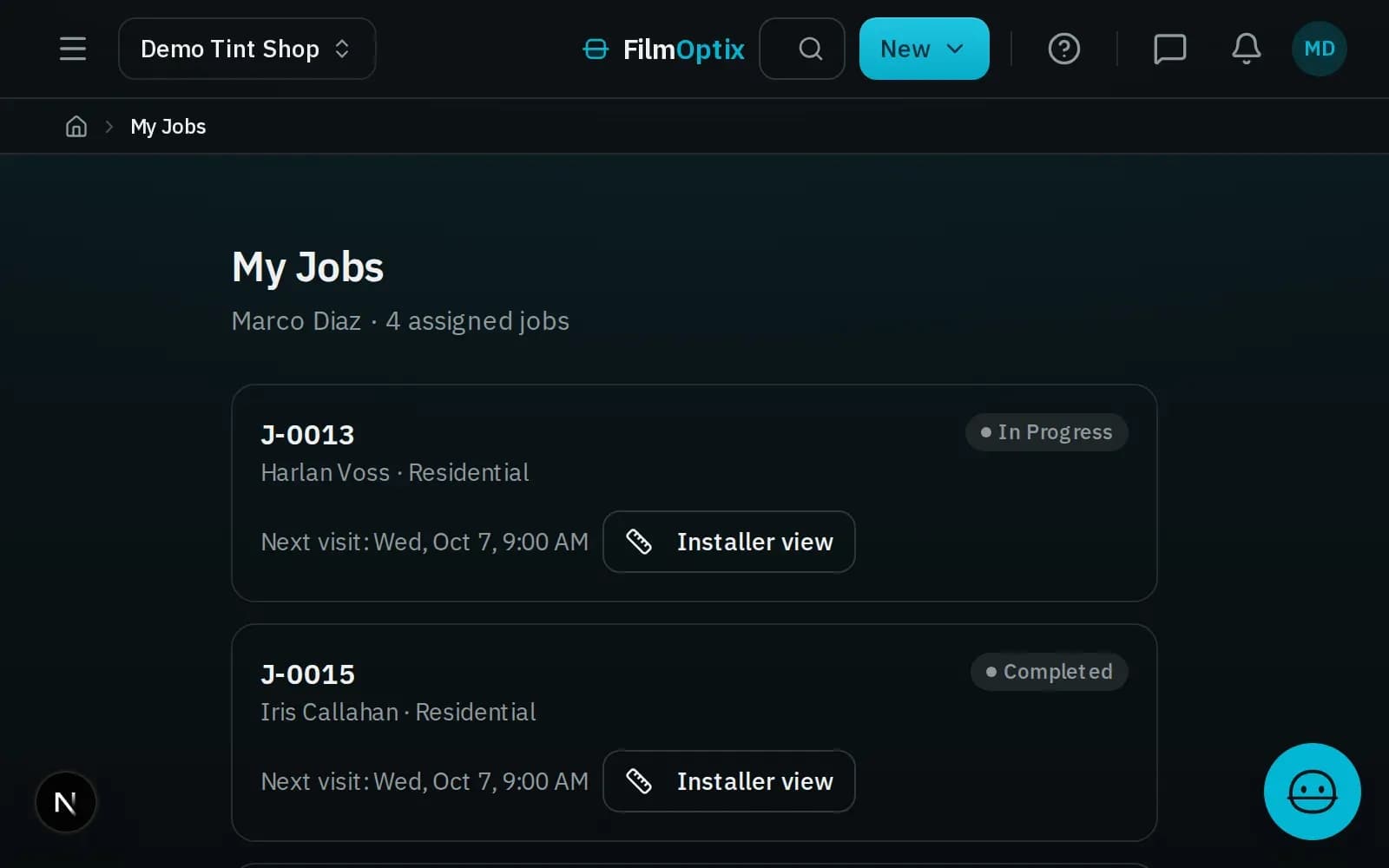
Verify measurements, capture glass readings, check the crew in and out, run inspections, and attach photos — from the field, on the same record the office is working. It runs on the mobile web today; dedicated native apps are in design.
Captured on paper, retyped at the office, out of date by noon.
Verify on the job, on one record.
The field view opens the same job the office is working — no export, no second copy. Confirm the takeoff measurements, capture glass readings per opening, and attach photos where they belong, and the office sees it the moment it syncs.
- Confirm takeoff measurements against the real opening
- Capture VLT, thickness, and low-E per pane
- Attach photos to the opening, not a camera roll
- Everything writes to the one job record
Six things the crew does on site.
Verify on the opening.
Confirm the takeoff against the real window and correct it on the spot — the office record updates as you go.
Every pane, on the record.
Capture VLT, thickness, and low-E per opening so the film choice and the spec line up before install.
Crew hours on the job.
The crew checks in and out against the work order, so labor is tied to the job instead of a memory.
Readiness on site.
Run the readiness and inspection checklist from the field and gate the job before it is called done.
Attached where they belong.
Before/after and condition photos attach to the opening and the job, not a phone’s camera roll.
Context for the office.
Field notes land on the record so the office and the next crew pick up exactly where you left off.
The field is one step. The record is the whole job.
- 01Measure
- 02Field
- 03Install
- 04Invoice
Take off at the office
The plan PDF takeoff sets the openings and square footage the crew verifies on site.
Verify and capture
On site, the crew confirms measurements, captures readings and photos, and checks in — all on the one record.
Install and inspect
The readiness check gates the job; inspection and photos attach before it is called done.
Close it out
Verified work and captured labor tie back to the job, so the invoice reflects what actually happened.
On the mobile web today. Native apps in design.
FilmOptix Field, answered.
Is there a native iOS or Android app?
Not yet. Field capture runs on the mobile web today — you open it in the phone browser and it works against the same job record as the office. Dedicated native apps are in design and not released, so there is no App Store or Play Store listing to download.
What can the crew do from the field?
Verify takeoff measurements, capture glass readings per opening, check in and out against the work order, run inspection and readiness checks, attach photos, and leave notes — all on the one job record.
Does field data sync to the office in real time?
The field view works the same record the office is working, so captured measurements, readings, and photos are on the office record as soon as they sync — there is no separate copy to reconcile.
Does it work offline?
It is a mobile-web experience today, so a live connection is expected on site. Robust offline capture is part of what the dedicated native apps are being designed for.
When will the native apps ship?
They are in design, not released, and we are not putting a date on a page. We would rather ship the mobile-web capture you can use today and be honest that native is still ahead of us.
See the field and the office on one record.
We will walk a job from the office takeoff to a live field capture on a phone — measurements, glass readings, and photos landing on the same record, in front of you.
Book a demo